
Writing military-time correctly comes down to using the right four-digit format, keeping the hour and minutes in their proper positions, and avoiding common formatting mistakes such as adding AM or PM.
8:15 AM → 0815
12:00 PM → 1200
3:30 PM → 1530
9:45 PM → 2145
11:59 PM → 2359
If you are unsure about a conversion, you can use the Military-Time Converter on Calculator Online Pro to check the result quickly.
Want to check a time now?
Use the Military-Time Converter →
How to Write Military-Time Correctly
The standard military-time format uses four digits: HHMM. The first two digits represent the hour, while the final two digits represent the minutes. Military-time normally runs from 0000 through 2359.
| Regular Time | Correct Military-Time |
|---|---|
| 12:00 AM | 0000 |
| 1:00 AM | 0100 |
| 5:30 AM | 0530 |
| 9:05 AM | 0905 |
| 11:45 AM | 1145 |
| 12:00 PM | 1200 |
| 1:15 PM | 1315 |
| 3:30 PM | 1530 |
| 6:45 PM | 1845 |
| 8:20 PM | 2020 |
| 11:59 PM | 2359 |
The most important point is consistency: write the hour and minute as two digits each.
Use Four Digits
A military-time value should contain four digits. So, 9:00 AM should be written as 0900, not 900, 09, 9:00 AM, or 0900 AM. The leading zero keeps the format consistent.
2:30 AM → 0230
7:45 AM → 0745
9:10 AM → 0910
Do Not Add AM or PM
Military-time already indicates whether a time occurs before or after noon, so AM and PM are not added to the four-digit value.
Incorrect: 1830 PM
Adding AM or PM to these values makes the format redundant.
Keep Minutes as Two Digits
The final two digits always represent the minutes. Five minutes must be written as 05, not simply 5.
10:05 AM → 1005
2:05 PM → 1405
7:05 PM → 1905
A value such as 1405 should not be shortened to 145. The four-digit structure should remain intact.
Do Not Use a Colon in Standard Military-Time Writing
When writing military-time in the traditional four-digit format, the hour and minutes are written together without a colon.
Not: 15:45
The second format is commonly used as standard 24-hour clock notation, while military-style writing conventionally presents the time as four consecutive digits. U.S. Department of the Navy guidance, for example, specifies four digits and no colon when expressing military-time.
This distinction is particularly useful when you are completing forms, schedules, logs, instructions, or other documents that specifically request military-time.
How to Write Morning Military-Time
Morning times are straightforward because the hour remains the same as the standard-time hour, with a leading zero added when necessary.
| Standard Time | Military-Time |
|---|---|
| 12:00 AM | 0000 |
| 12:15 AM | 0015 |
| 1:00 AM | 0100 |
| 3:25 AM | 0325 |
| 6:40 AM | 0640 |
| 8:05 AM | 0805 |
| 9:30 AM | 0930 |
| 11:55 AM | 1155 |
Hours from 1 AM through 9 AM need a leading zero. So 7:30 AM → 0730, not 730.
How to Write Afternoon and Evening Military-Time
The afternoon and evening hours are where many conversion errors occur. For times from 1:00 PM through 11:59 PM, add 12 to the standard-time hour.
The minutes do not change during this conversion. For example, 6:35 PM → 1835: only the hour changes from 6 to 18, and the 35 minutes stay the same.
How to Write Midnight and Noon Correctly
Midnight is one of the most common sources of confusion. For the beginning of a new day, midnight is written 0000, so 12:00 AM → 0000.
At the other end of the day, 2359 represents 11:59 PM, after which the clock moves to 0000 for the next day. If you frequently work with midnight conversions, checking the result with a military-time converter can help prevent date and scheduling errors.
Noon is 1200, so 12:00 PM → 1200. This is different from midnight:
Military-Time Examples With Minutes
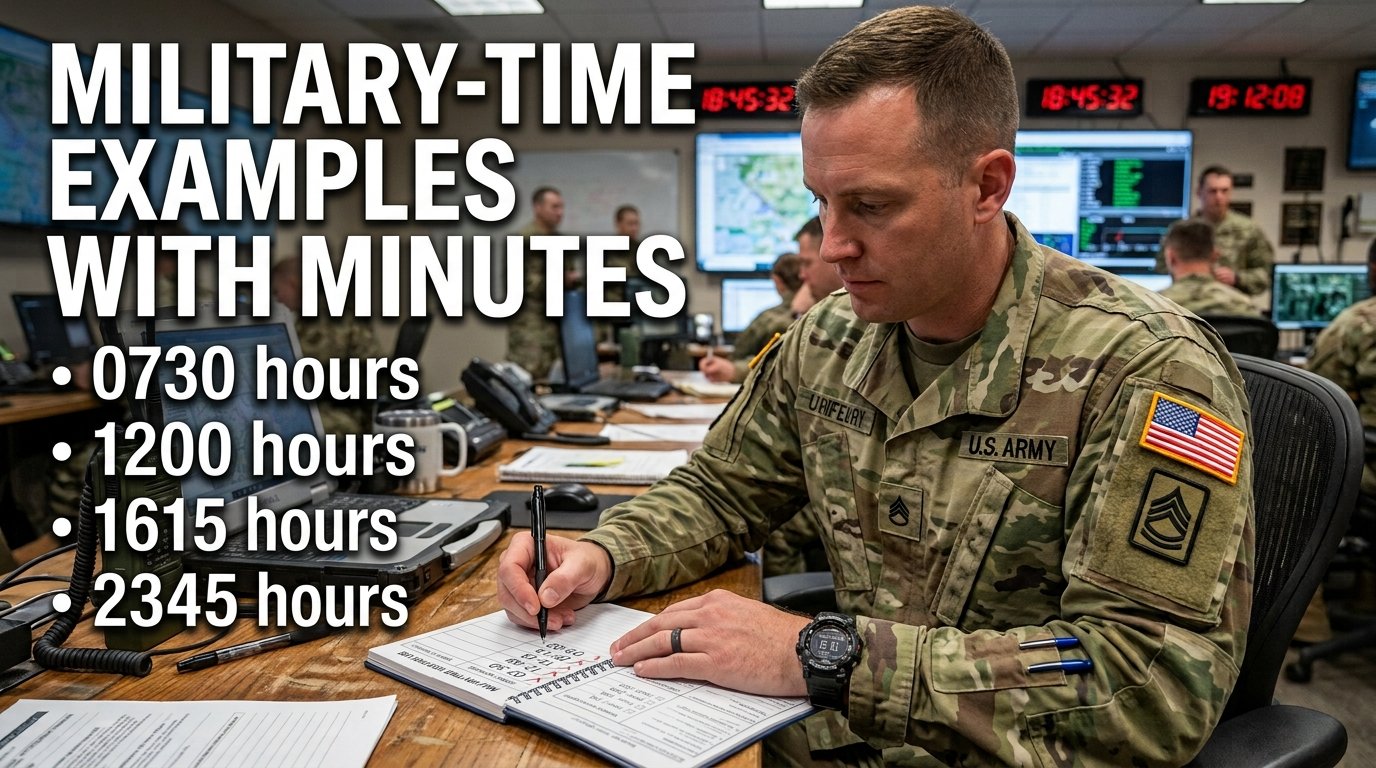
When the time includes minutes, simply keep the minutes in the final two positions.
| Standard Time | Military-Time |
|---|---|
| 12:05 AM | 0005 |
| 1:10 AM | 0110 |
| 4:25 AM | 0425 |
| 7:45 AM | 0745 |
| 11:50 AM | 1150 |
| 12:20 PM | 1220 |
| 1:35 PM | 1335 |
| 5:40 PM | 1740 |
| 9:55 PM | 2155 |
| 11:30 PM | 2330 |
Notice that the minutes remain unchanged. For example, 9:55 PM → 2155: the hour changes from 9 to 21, while 55 remains 55.
How to Convert Regular Time Into Military-Time
Use this simple process when you need to write a standard time in military format.
Step 1: Check Whether It Is AM or PM
First identify which half of the day the time belongs to.
Step 2: Handle Midnight and Noon Separately
12:00 PM → 1200
Step 3: Add 12 for PM Times From 1 PM to 11 PM
Step 4: Add a Leading Zero to Single-Digit Morning Hours
Step 5: Keep the Minutes Exactly as They Are
The minutes do not need to be converted. For example, 8:42 PM → 2042.
Quick Conversion Formula
Common Military-Time Writing Mistakes
Knowing the correct format is often easier when you know what to avoid.
Writing 900 Instead of 0900
❌ 900 ✅ 0900
Military-time uses four digits, so the leading zero should not be removed.
Writing 15:30 Instead of 1530
❌ 15:30 ✅ 1530
When the requested format is traditional military-time, omit the colon.
Adding PM to a Military-Time Value
❌ 1830 PM ✅ 1830
The 18-hour value already indicates that the time is in the evening.
Writing 1200 AM or 0000 PM
❌ 1200 AM ✅ 0000
12:00 AM is midnight and is represented by 0000. Military-time does not use AM or PM.
Changing the Minutes During Conversion
✅ 6:25 PM → 1825
The minutes remain 25.
Using an Invalid Minute Value
Minutes run from 00 through 59, so ❌ 1260 is not a valid ordinary military-time value. A new hour begins after 59 minutes.
Correct vs Incorrect Military-Time
| Incorrect Format | Correct Format | Reason |
|---|---|---|
| 700 | 0700 | Missing leading zero |
| 815 | 0815 | Missing leading zero |
| 9:30 AM | 0930 | Uses standard-time notation |
| 15:30 | 1530 | Colon removed in military format |
| 1830 PM | 1830 | AM/PM is unnecessary |
| 1200 AM | 0000 | Midnight is 0000 |
| 12:00 PM | 1200 | Noon is 1200 |
| 905 | 0905 | Must contain four digits |
| 1260 | 1300 | 60 is not a valid minute value |
| 11:45 PM | 2345 | PM hour converted to 23 |
How to Check if Your Military-Time Is Correct
Before using a military-time value in a schedule, document, timesheet, message, or calculation, run through this quick checklist:
If you want to avoid doing the conversion manually, use the Military-Time Converter from Calculator Online Pro for a quick check before using the result.
Quick Military-Time Reference
| Regular Time | Military-Time |
|---|---|
| 12:00 AM | 0000 |
| 1:00 AM | 0100 |
| 2:00 AM | 0200 |
| 3:00 AM | 0300 |
| 4:00 AM | 0400 |
| 5:00 AM | 0500 |
| 6:00 AM | 0600 |
| 7:00 AM | 0700 |
| 8:00 AM | 0800 |
| 9:00 AM | 0900 |
| 10:00 AM | 1000 |
| 11:00 AM | 1100 |
| 12:00 PM | 1200 |
| 1:00 PM | 1300 |
| 2:00 PM | 1400 |
| 3:00 PM | 1500 |
| 4:00 PM | 1600 |
| 5:00 PM | 1700 |
| 6:00 PM | 1800 |
| 7:00 PM | 1900 |
| 8:00 PM | 2000 |
| 9:00 PM | 2100 |
| 10:00 PM | 2200 |
| 11:00 PM | 2300 |
Military-Time Writing Examples You Can Use
Here are some practical examples of correctly written times:
These examples demonstrate the same basic pattern: four digits, two for the hour and two for the minutes.
Why Correct Military-Time Formatting Matters
A small formatting error can create confusion when several times appear together in a schedule or document. Using a consistent format makes it easier to:
The four-digit format also makes times visually consistent. For example, a list such as 0615, 0930, 1245, 1730, 2145 is immediately structured in the same way.
Need a Fast Military-Time Conversion?
You do not need to work through every conversion manually. If you have a regular time and need the correct military-time version—or you have a four-digit value and want to confirm its standard-time equivalent—use the Calculator Online Pro Military-Time Converter.
It is useful when you need to:
Frequently Asked Questions
How should military-time be written?
Military-time is generally written as four digits in an HHMM format, such as 0630, 1200, 1545, or 2130. Traditional military-style writing does not use a colon or AM/PM.
Does military-time always use four digits?
Yes, when using the standard military-time format, use four digits. A single-digit morning hour receives a leading zero, so 8:00 AM becomes 0800, not 800.
Do you put AM or PM after military-time?
No. Military-time does not normally use AM or PM. For example, write 1830, not 1830 PM.
Do you put a colon in military-time?
Traditional military-time notation is written without a colon. For example, 1430 represents 2:30 PM. A colonized form such as 14:30 is commonly used for 24-hour clock notation but is different from the traditional four-digit military format.
How do you write 9:00 AM in military-time?
Write it as 0900. The leading zero keeps the time in the required four-digit format.
How do you write 9:05 AM in military-time?
Write 0905. The hour receives a leading zero and the five-minute value is written as 05.
How do you write 12:00 AM in military-time?
Write 0000. This represents midnight at the beginning of a new day.
How do you write 12:00 PM in military-time?
Write 1200. This represents noon.
How do you write 3:30 PM in military-time?
Add 12 to the hour: 3 + 12 = 15. Keep the minutes unchanged, giving 1530.
How do you write 11:59 PM in military-time?
Write 2359. This is the final minute of the normal 0000–2359 daily range.
What is the easiest way to check military-time?
Use a military-time converter when you are unsure. Calculator Online Pro lets you convert between standard AM/PM time and military-time without manually working through the calculation.
Final Military-Time Writing Checklist
When you need to write military-time correctly, remember:
If you are uncertain about a conversion, don’t guess. Use the Calculator Online Pro Military-Time Converter to verify the result before you use it.
Check your military-time conversion.
Convert 0830, 1530, 2145, 2359, or another time quickly.