
If you work rotating, overnight, extended, or back-to-back shifts, calculating hours across midnight can quickly become confusing. Calculator Online Pro gives you practical time-calculation tools to work out shift duration, convert military-time, add working periods, and turn hours into decimal values for timesheets or payroll.
Military-Time Calculator can help when you need a quick answer without manually working through AM/PM conversions or midnight calculations.
Calculate Work Hours in Military-Time
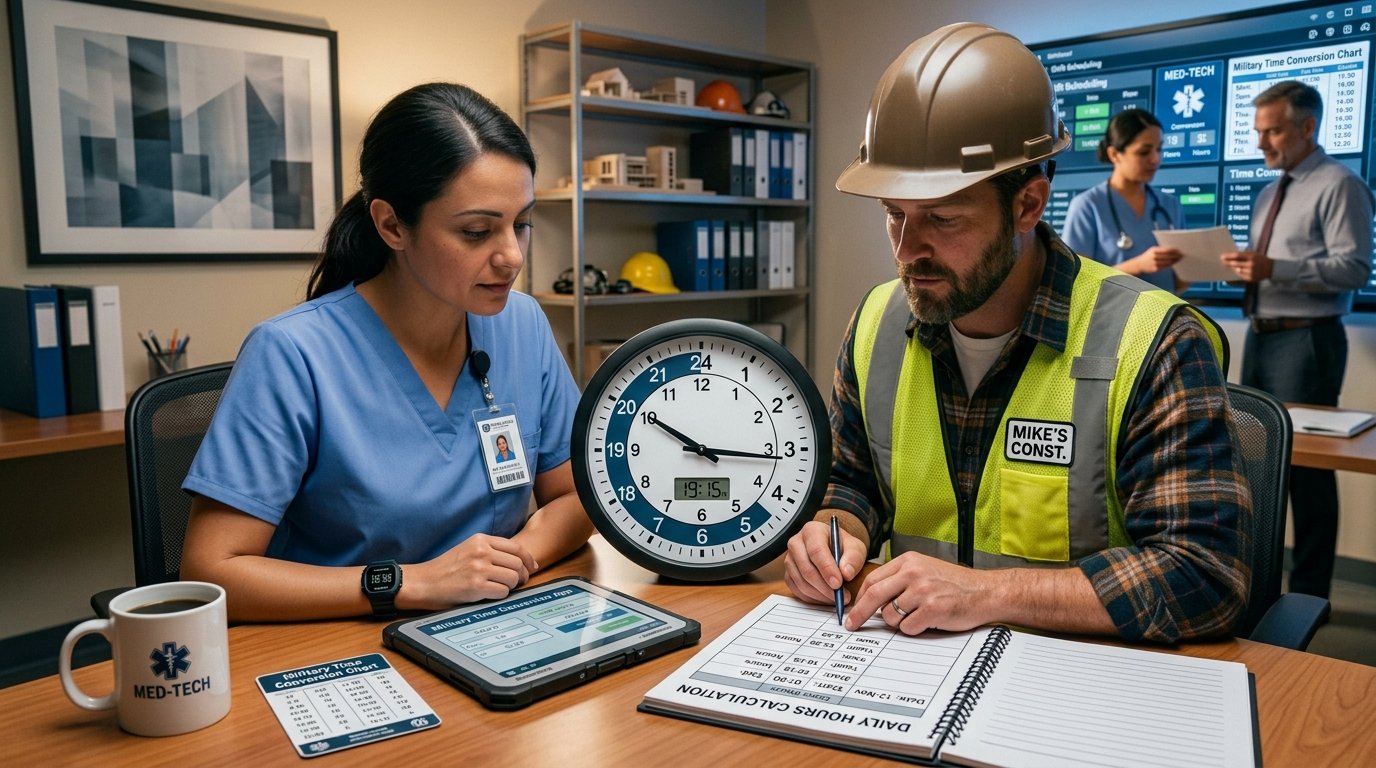
For a shift such as 2200 to 0600, the working period crosses midnight. Simply subtracting 0600 from 2200 produces the wrong result.
A reliable approach is to split the shift:
For longer shifts, breaks, or multiple work periods, using a time calculator reduces the amount of manual calculation required.
Common Shift Examples
| Shift | Total Time |
|---|---|
| 0600–1400 | 8 hours |
| 0700–1530 | 8 hours 30 minutes |
| 0800–1700 | 9 hours |
| 1400–2200 | 8 hours |
| 1800–0200 | 8 hours |
| 2200–0600 | 8 hours |
| 2300–0700 | 8 hours |
| 1900–0730 | 12 hours 30 minutes |
These examples are useful for checking a timesheet, planning a rota, or verifying the length of an overnight shift.
Need a quick reference for writing and reading military-time?
How to Write Military-Time Correctly →
Overnight Shifts: Calculate Across Midnight
Overnight work is where shift-hour calculations most often become awkward.
For example:
End: 0530
Calculate the two parts separately:
The same method works for:
If you regularly calculate overnight hours, an online duration calculator can make the process considerably faster.
Need help with the midnight point in military-time?
Why Does Military-Time Start at 0000? →
Calculate Work Hours With Breaks
Your scheduled shift and your actual paid working time may not be the same.
For example:
Break: 1 hour
Total scheduled time:
Less unpaid break:
For several breaks, add the break periods together before subtracting them from the full shift duration.
Example
End: 0600
Total elapsed: 12 hours
Breaks:
Total breaks = 90 minutes
This distinction is particularly useful when preparing payroll or checking whether a timesheet has been entered correctly.
Military-Time Shift Calculator Examples
Military-time makes shift schedules easier to read because each hour has a unique four-digit representation.
| Standard-Time | Military-Time |
|---|---|
| 6:00 AM | 0600 |
| 8:30 AM | 0830 |
| 12:00 PM | 1200 |
| 3:45 PM | 1545 |
| 6:00 PM | 1800 |
| 9:30 PM | 2130 |
| 11:00 PM | 2300 |
| 12:00 AM | 0000 |
This is especially helpful when a work schedule runs through midnight. Instead of deciding whether a time is AM or PM, you can compare the four-digit times directly.
Want to understand how military-time is spoken?
How to Say Military-Time Out Loud →
Calculate Total Hours for Multiple Shifts
If you need to total several shifts during a week, calculate each shift first and then add the durations.
| Day | Shift | Hours |
|---|---|---|
| Monday | 0600–1400 | 8 |
| Tuesday | 0600–1430 | 8.5 |
| Wednesday | 1400–2200 | 8 |
| Thursday | 2200–0600 | 8 |
| Friday | 2200–0630 | 8.5 |
For payroll calculations, you can then convert the total into decimal hours when required.
Convert Shift Hours to Decimal Hours
Timesheets and payroll systems often use decimal hours rather than hours and minutes.
The important point is that 30 minutes equals 0.50 hours, not 0.30 hours.
For example:
You can use the site’s Time to Decimal Calculator when you need to convert a completed shift into decimal form.
Convert Shift Time to Decimal Hours
Turn completed hours and minutes into decimal form quickly.
Calculate Work Hours With the Time Duration Calculator
When you already know the start and end times, the Time Duration Calculator is useful for finding the elapsed time between them.
It can be particularly convenient for:
Instead of manually counting every hour and minute, enter the relevant times and use the calculated duration.
Need another military-time reference for late shifts?
What Does 2359 Mean in Military-Time? →
Add Several Work Periods Together
Some workers have split shifts rather than one continuous working period.
For example:
Evening: 1600–2100 = 5 hours
Total working time:
The Add Time Calculator can help when you need to combine multiple time periods.
This is useful when your working day includes:
Planning work schedules around multiple time periods?
How to Calculate Military-Time for Work Schedules →
Shift Hours Examples for Different Work Patterns
8-Hour Day Shift
10-Hour Shift
12-Hour Day Shift
12-Hour Night Shift
Overnight Shift
Extended Shift
Shift With an Unpaid Break
Less 1-hour break = 9 paid hours
How to Avoid Common Shift-Time Calculation Errors
A few simple checks can prevent incorrect totals:
Check Whether the Shift Crosses Midnight
If the end time is earlier than the start time, the shift may continue into the following day.
Separate Breaks From Working Time
Do not automatically treat the entire scheduled period as paid hours.
Convert Minutes Correctly
15 minutes = 0.25 hours, 30 minutes = 0.50 hours, and 45 minutes = 0.75 hours.
Use Consistent Time Formats
Do not mix 12-hour and 24-hour notation while calculating a shift.
Check Overnight Dates
A shift beginning at 2200 on Monday and ending at 0600 on Tuesday covers two calendar dates but only eight elapsed hours.
Use Calculator Online Pro for Faster Shift Calculations
You don’t need to perform every shift calculation manually.
Calculator Online Pro provides a collection of browser-based time tools for different parts of the process. Its current time toolkit includes Time Duration, Add Time, Time to Decimal, Minutes to Hours, Seconds to Time, and Military-Time Converter tools.
The calculators are designed to run directly in your browser, so you can enter working times and get results without creating an account. The site also states that its calculations are processed locally on your device.
Why Use the Tools?
Calculate Your Military-Time
Convert work times and check your shift schedule quickly.
Quick Shift-Hour Reference
| If Your Shift Is | Your Elapsed Time Is |
|---|---|
| 0600–1400 | 8 hours |
| 0800–1630 | 8 hours 30 minutes |
| 0900–1700 | 8 hours |
| 1200–2000 | 8 hours |
| 1400–2200 | 8 hours |
| 1600–0000 | 8 hours |
| 1800–0600 | 12 hours |
| 2200–0600 | 8 hours |
| 2300–0700 | 8 hours |
Need to check your own shift? Use the Time Duration Calculator to calculate the elapsed hours directly.
Want to make military-time calculations easier for work schedules?
Military-Time Writing Guide →
Frequently Asked Questions
How do you calculate work hours in military-time?
Convert the start and end times into 24-hour format and calculate the elapsed duration. If the shift crosses midnight, calculate the time before and after 0000 separately or use a time-duration calculator.
How do you calculate an overnight shift?
For an overnight shift such as 2200–0600, calculate 2200–0000 and 0000–0600. The result is 8 hours.
How do I calculate an 8-hour shift in military-time?
Common examples include 0600–1400, 0800–1600, 1400–2200, and 2200–0600. Each represents eight elapsed hours.
How do you subtract a break from shift hours?
First calculate the complete elapsed shift. Then subtract the total duration of unpaid breaks. For example, a 10-hour shift with a 1-hour unpaid break gives 9 working hours.
How do you convert 8 hours 30 minutes to decimal hours?
Convert the 30 minutes into a fraction of an hour: 30 ÷ 60 = 0.50. Therefore, 8 hours 30 minutes = 8.50 decimal hours.
How do you calculate a shift that starts before midnight and ends after midnight?
Treat midnight as the point where the calendar day changes. For example, 2100–0500 equals 3 hours from 2100 to 0000 plus 5 hours from 0000 to 0500, giving 8 hours.
Can I calculate multiple shifts for a timesheet?
Yes. Calculate each shift separately, then add the resulting durations. For decimal payroll figures, convert the final hours and minutes into decimal hours.
Calculate Your Shift Hours Now
Whether you’re checking an overnight shift, preparing a timesheet, calculating paid hours, or converting military-time, Calculator Online Pro gives you the tools to do the calculation quickly.
Start with the Military-Time Calculator for 24-hour time, then use the Time Duration Calculator to calculate the actual shift length.
Enter your shift times, check the result, and move on with your day — without doing the same time maths by hand.
Need to Calculate Your Shift Hours?
Check military-time and calculate your shift duration quickly.