
Find the duration between a start time and an end time without working it out manually.
Need to know how many hours and minutes have passed between two times? Use our elapsed time calculator to find the duration between a start time and an end time without working it out manually.
Enter your start and end times to calculate the elapsed hours and minutes for work shifts, appointments, travel, study sessions, events and other daily activities. For overnight periods, make sure the end time is treated as the following day.
Use the calculator above to:
Enter your times, calculate the result and use the examples below if you need help checking your answer.
How to Calculate Elapsed Time Between Two Times
To calculate elapsed time, subtract the start time from the end time. If the period crosses midnight, account for the change of day before calculating the difference.
For example, if you start work at 9:00 AM and finish at 5:30 PM, the elapsed time is 8 hours and 30 minutes.
Follow these steps:
Our elapsed time calculator makes it easier to check the time difference without manually converting hours and minutes.
Want a fuller walkthrough of time calculations?
Elapsed Time Calculator Examples
Use these examples to check common time calculations.
| Start Time | End Time | Elapsed Time |
|---|---|---|
| 9:00 AM | 5:00 PM | 8 hours |
| 9:15 AM | 5:45 PM | 8 hours 30 minutes |
| 8:30 AM | 12:15 PM | 3 hours 45 minutes |
| 1:20 PM | 3:50 PM | 2 hours 30 minutes |
| 10:00 PM | 6:00 AM next day | 8 hours |
| 11:30 PM | 2:15 AM next day | 2 hours 45 minutes |
These examples show the elapsed duration before deducting any breaks. For work shifts, subtract unpaid breaks separately if you need net working time.
How to Calculate Elapsed Time Overnight
An overnight time calculation can be confusing because the ending clock time may look earlier than the starting time.
Example: 10:30 PM to 6:15 AM
A shift begins at 10:30 PM and ends at 6:15 AM the next morning.
When a period crosses midnight, calculate the time remaining before midnight and add the time after midnight. If your calculator has an overnight option, use it to ensure the end time is interpreted correctly.
If the start and end times are identical, confirm whether you mean zero elapsed time or a full 24-hour period. A time-only calculator cannot always determine this without additional information.
Need to work out the length of a time period?
Calculate Time Difference Using the 24-Hour Clock
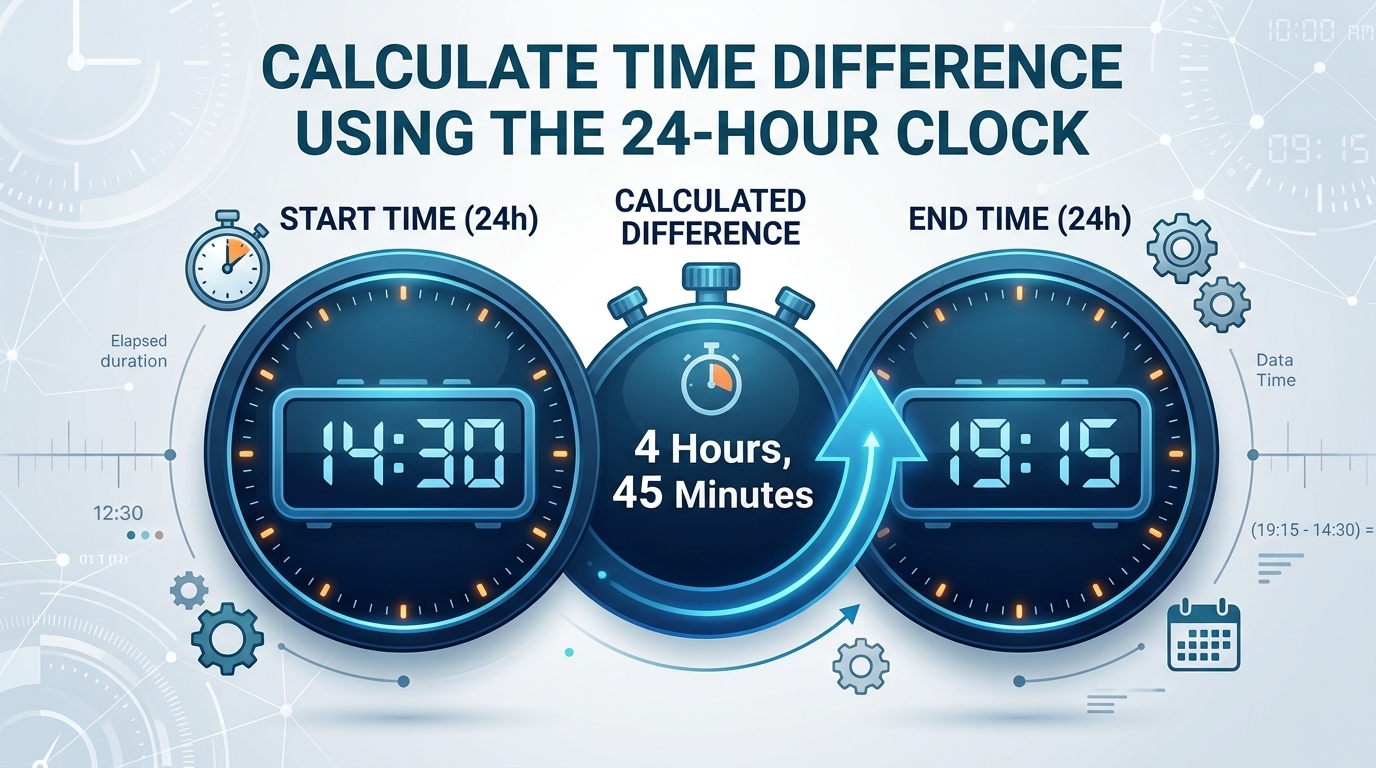
The 24-hour clock can make elapsed time calculations easier because it removes the need to distinguish between AM and PM.
Here are some common conversions:
| 12-Hour Time | 24-Hour Time |
|---|---|
| 8:00 AM | 08:00 |
| 12:00 PM (noon) | 12:00 |
| 3:30 PM | 15:30 |
| 6:45 PM | 18:45 |
| 10:00 PM | 22:00 |
| 12:00 AM (midnight) | 00:00 |
For example, the time between 14:15 and 18:45 is 4 hours and 30 minutes.
Enter the times in the format supported by the calculator and check that both inputs use the same time convention.
Elapsed Time Formula
You can calculate elapsed time manually using this basic formula:
For times on the same day, subtract the starting time from the ending time. If the interval crosses midnight, add 24 hours to the end time before subtracting.
Example: 9:20 AM to 2:50 PM
Example: 10:00 PM to 6:00 AM
The calculator handles the arithmetic for you, helping reduce mistakes when minutes need to be carried or borrowed.
Time Calculator
Need a general-purpose tool for everyday time calculations?
Convert Elapsed Time Into Decimal Hours
Decimal hours are useful for timesheets, payroll calculations, invoicing and spreadsheets. They express a duration as a single number rather than separate hours and minutes.
To convert minutes into decimal hours, divide the number of minutes by 60 and add the result to the whole hours.
For example, 4 hours and 30 minutes becomes:
Use this quick reference:
| Hours and Minutes | Decimal Hours |
|---|---|
| 15 minutes | 0.25 |
| 30 minutes | 0.50 |
| 45 minutes | 0.75 |
| 1 hour 15 minutes | 1.25 |
| 2 hours 30 minutes | 2.50 |
| 7 hours 45 minutes | 7.75 |
| 8 hours 30 minutes | 8.50 |
Important: 8 hours 30 minutes is 8.5 decimal hours, not 8.30. Minutes are calculated as fractions of 60, not as decimal digits.
Need to total up hours for a timesheet?
Elapsed Time for Work Shifts and Timesheets
If you need to check how long you worked, calculate the elapsed time between your clock-in and clock-out times first.
Example: 8:45 AM to 5:15 PM
If you start at 8:45 AM and finish at 5:15 PM, the elapsed duration is 8 hours and 30 minutes.
If you took a 30-minute unpaid break, your net working time would be 8 hours.
Use this calculation:
For overnight shifts, include the correct following-day end time before subtracting breaks. If you calculate weekly hours or overtime, add the net working durations for each shift and apply your workplace’s overtime rules.
An elapsed time calculator measures the duration between two points. It does not automatically determine paid hours, overtime eligibility or payroll deductions unless those features are specifically built into the tool.
Need dedicated clock-in and clock-out calculations?
Planning around your working hours?
Elapsed Time Between Two Dates
Sometimes you need more than the time difference between two clock readings. You may need to measure the duration between a start date and time and an end date and time.
For example, you might want to calculate the length of a trip, an event spanning several days or a project that began on one date and ended on another.
For accurate multi-day calculations, enter both dates and their corresponding times if the calculator supports them. The result can then account for the complete interval rather than assuming the end time falls on the same day or the following day.
If you only have two clock times without dates, the calculator may not know whether the interval spans one day, several days or a complete 24-hour period.
Common Elapsed Time Calculation Mistakes
1. Forgetting That the Period Crosses Midnight
A shift from 11:00 PM to 7:00 AM lasts 8 hours, not a negative duration. Make sure the end time belongs to the next day.
2. Entering the Wrong AM or PM
A start time of 8:00 AM and an end time of 5:00 PM produce a different result from an end time of 5:00 AM. Double-check the selected period before calculating.
3. Treating Minutes as Decimal Digits
Thirty minutes equals 0.5 hours, while 45 minutes equals 0.75 hours. Do not write 6 hours 45 minutes as 6.45 decimal hours.
4. Forgetting to Deduct Unpaid Breaks
Elapsed time and net working time are not always the same. Subtract unpaid breaks when calculating hours worked, where applicable.
5. Using Clock Times for a Multi-Day Period
If an activity lasts longer than one day, use start and end dates as well as times when possible. Clock readings alone may not provide enough information.
Who Can Use an Elapsed Time Calculator?
An elapsed time calculator is useful whenever you need to find how long something lasted.
Enter your start and end times to get a practical duration for the task you are working on.
Interested in how money changes in value over time?
Calculate Your Time Difference Now
Whether you are checking working hours, planning a journey or measuring the length of an activity, calculating the time difference should be straightforward.
Use the elapsed time calculator above to enter your start and end times and find the duration. For overnight shifts or periods spanning multiple dates, confirm the correct day before relying on the result.
Calculate your elapsed time now and use the result to plan your schedule, check your records or organise your next task.
Frequently Asked Questions
What does an elapsed time calculator calculate?
An elapsed time calculator finds the duration between a starting time and an ending time. Depending on its features, it can display the result in hours, minutes, seconds, total minutes or decimal hours.
How do I calculate elapsed time between two times?
Subtract the start time from the end time. For example, from 9:00 AM to 5:30 PM is 8 hours and 30 minutes. If the interval crosses midnight, account for the following day.
How many hours are between 9 AM and 5 PM?
There are 8 hours between 9:00 AM and 5:00 PM when both times refer to the same day. This is the elapsed duration before deducting any breaks.
How do I calculate time between 10 PM and 6 AM?
From 10:00 PM to midnight is 2 hours, and from midnight to 6:00 AM is another 6 hours. The total elapsed time is 8 hours.
How do I convert elapsed time into decimal hours?
Divide the minutes by 60 and add the result to the whole hours. For example, 3 hours 15 minutes equals 3.25 decimal hours.
Is elapsed time the same as hours worked?
Not necessarily. Elapsed time measures the complete interval between a start and end time. Hours worked may be shorter if unpaid breaks or other exclusions apply.
Can I calculate elapsed time over several days?
Yes, provided you use a calculator that supports start and end dates as well as times. A calculator that accepts only clock times may not be suitable for durations spanning several days.
Can an elapsed time calculator calculate seconds?
If seconds are supported, enter the full start and end times to calculate the duration to the second. Otherwise, the result may be limited to hours and minutes.
What is the difference between elapsed time and time duration?
Both terms generally refer to the amount of time between two points. The exact output depends on the calculator: some show hours and minutes, while others also include total minutes, seconds or decimal hours.
Can I use an elapsed time calculator for payroll?
You can use it to check the duration of a shift. For payroll, you may also need to deduct unpaid breaks, total weekly hours and apply the relevant pay or overtime rules.
Time Duration Calculator
Find the duration between a start time and an end time without working it out manually.