
Use this guide to calculate average duration, convert results into decimal hours, compare repeated performances, and avoid common calculation mistakes.
Need to find the average of several time values? An average duration calculator helps you work out the typical duration of a task, race, workout, commute, work shift, or repeated activity. Enter your time values, calculate their average, and view the result in hours, minutes, and seconds.
For example, if three tasks take 20 minutes, 30 minutes, and 40 minutes, their average duration is 30 minutes. You can use the same method for lap times, video lengths, call durations, daily work hours, and other timed activities.
How to Calculate Average Duration
To calculate the average of multiple time durations, add all the time values together and divide the total by the number of entries.
Example: 15, 20, and 25 Minutes
Suppose you complete a task three times, taking 15 minutes, 20 minutes, and 25 minutes.
Your average completion time is 20 minutes per attempt.
When your values include hours, minutes, and seconds, convert each duration into seconds before calculating the average. This avoids errors because time uses 60 seconds per minute and 60 minutes per hour.
Want a fuller walkthrough of time calculations?
Average Duration Calculator Examples
Use these examples to understand how average duration changes with different time values.
| Time Values | Number of Entries | Average Duration |
|---|---|---|
| 10, 20, 30 minutes | 3 | 20 minutes |
| 15, 25, 35 minutes | 3 | 25 minutes |
| 1, 2, 3 hours | 3 | 2 hours |
| 30, 45, 60 seconds | 3 | 45 seconds |
| 1:00, 1:30, 2:00 minutes | 3 | 1 minute 30 seconds |
| 7:30, 8:00, 8:30 hours | 3 | 8 hours |
These are averages of elapsed durations, not clock readings. If you need to average durations of day, such as arrival times of 8:00 AM, 9:00 AM, and 10:00 AM, use a method designed for clock times.
Want to measure how much time has passed between two points?
How to Calculate Average Duration in Hours, Minutes, and Seconds
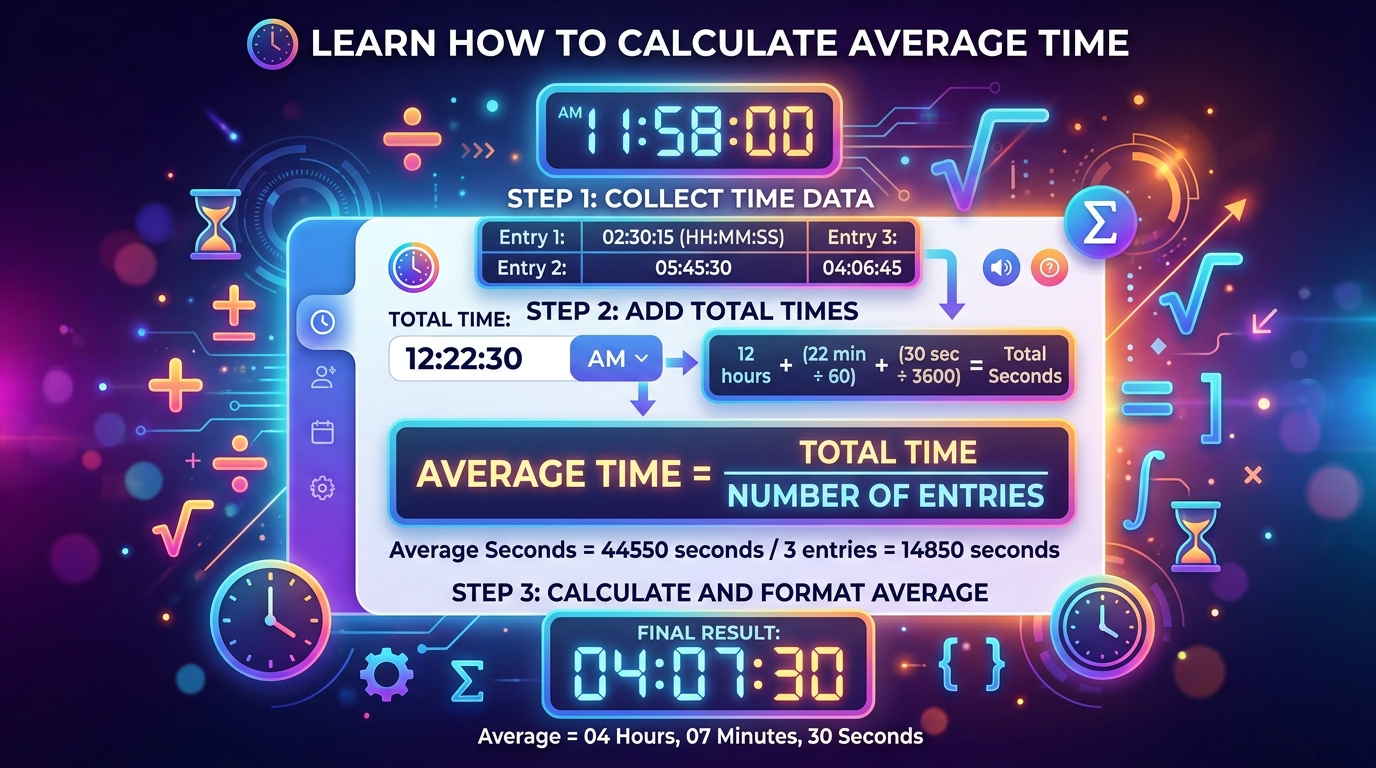
If your time values use different units, convert every duration into seconds before finding the mean.
Follow these steps:
Worked Example: Average of Three Durations
Suppose your recorded times are 1 minute 20 seconds, 1 minute 40 seconds, and 2 minutes.
| Recorded Time | Total Seconds |
|---|---|
| 1 minute 20 seconds | 80 |
| 1 minute 40 seconds | 100 |
| 2 minutes | 120 |
| Total | 300 |
There are three entries, so:
Final result: 1 minute 40 seconds.
This method works for any number of durations, including hours-long activities. If the average contains a fraction of a second, you can keep the decimal for precision or round it to the nearest second when appropriate.
How to Calculate Average Duration in Excel or Google Sheets
You can calculate the average of time durations in a spreadsheet if your entries are stored as valid time values.
For example, enter these durations in cells A1, A2, and A3:
Use this formula:
The average is 00:30:00, or 30 minutes.
For totals longer than 24 hours, format the result cell using the custom format [h]:mm:ss so that accumulated hours display correctly instead of restarting after 24 hours.
If your spreadsheet values are stored as text rather than actual time values, you may need to convert them before using the formula.
For a quick calculation without setting up a spreadsheet, use the appropriate time calculator on Calculator Online Pro.
Time Calculator
Add and subtract time values without setting up a spreadsheet.
Average Duration Calculator for Work Hours
If you record working hours across several days, you can calculate your average daily work duration by adding the hours worked and dividing by the number of days included.
For example, suppose your recorded work durations are:
| Day | Hours Worked |
|---|---|
| Monday | 8 hours |
| Tuesday | 7 hours |
| Wednesday | 9 hours |
| Thursday | 8 hours |
| Friday | 8 hours |
| Total | 40 hours |
This calculation can help with workload planning, timesheet reviews, project estimates, and personal productivity tracking.
Remember to use the hours you actually intend to average. If you want paid working time rather than time spent at the workplace, subtract unpaid breaks where applicable.
For payroll, overtime, and billing, follow the relevant workplace rules rather than assuming the mathematical average determines payable hours.
Need to subtract a lunch break from your hours?
Looking for a quick way to total your hours?
Calculate Average Lap Time, Running Pace, or Workout Duration
An average duration calculation is useful when you repeat an activity and want to understand your typical performance.
Example: Three Lap Times
A runner records three lap times:
Convert the times into seconds:
Total = 1,035 seconds.
Average lap time: 5 minutes 45 seconds.
The same approach works for swimming laps, cycling intervals, repeated workouts, race splits, and other measured activities.
If you are comparing pace over different distances, make sure each value measures the same type of activity. For example, average lap time and average duration per kilometer are not interchangeable unless the distances match.
How to Find Average Completion Time for Tasks
If you want to know how long a repeated task usually takes, record each completion duration and calculate the average.
For example, a website team records the time needed to complete five similar tasks:
| Task | Completion Time |
|---|---|
| Task 1 | 20 minutes |
| Task 2 | 25 minutes |
| Task 3 | 30 minutes |
| Task 4 | 25 minutes |
| Task 5 | 35 minutes |
Total time = 135 minutes.
This gives you a useful starting point for estimating future workloads, planning schedules, and comparing productivity over time.
However, an unusually long task can raise the average. If your results vary considerably, review the individual durations as well as the mean to understand whether one task is distorting the overall picture.
Want a fuller walkthrough of calculating time between two points?
Average Duration vs. Average Clock Time
These two calculations sound similar but solve different problems.
Clock times require special care when values cross midnight. If you are averaging bedtimes such as 11:30 PM, 11:45 PM, and 12:15 AM, a simple arithmetic average of seconds after midnight may give a misleading result. The calculation must account for the circular nature of a 24-hour clock and the intended time window.
Choose a calculator that supports the kind of values you have rather than treating clock readings and elapsed durations as the same thing.
Need to find the time span between two clock times or dates?
Common Average Duration Calculation Mistakes
Avoid these errors when calculating the average of multiple time values.
1. Adding Time Values as if They Were Decimal Numbers
The values 1:30 and 2:30 represent 90 and 150 minutes if they are hours-and-minutes values, not decimal numbers 1.30 and 2.30. Confirm the format before calculating.
2. Dividing by the Wrong Number of Entries
Count only the valid time values included in the total. If you average five durations, divide by five.
3. Mixing Different Units
Convert all durations to a common unit before averaging. For example, convert hours and minutes into seconds if you are working with a mixture of formats.
4. Confusing Average Duration With Average Clock Time
A length of time and a point on a clock require different handling. Select the calculation that matches your data.
5. Rounding Too Early
Keep the full precision during the calculation and round only the final answer. This reduces small errors when several time values are involved.
Looking for another time-related calculator?
Frequently Asked Questions About Average Duration
How do I calculate the average of multiple times?
Add the durations together and divide the total by the number of entries. When the values contain hours, minutes, and seconds, convert them into seconds first and then convert the average back into a readable time format.
What is the average of 10, 20, and 30 minutes?
The average is 20 minutes. The total is 60 minutes, and dividing by three entries gives 20 minutes.
How do I calculate average duration in Excel?
Enter valid time durations into cells and use =AVERAGE(range), replacing range with the cells containing your data. Use an appropriate duration format, such as [h]:mm:ss, when totals or averages may exceed 24 hours.
Can I calculate average duration in seconds?
Yes. Convert every duration into seconds, add the values, and divide by the number of entries. The answer will be in seconds. You can then convert it into minutes or hours if needed.
How do I calculate average working hours per day?
Add the working durations for the period and divide by the number of days you want to include. Subtract unpaid breaks from each day’s duration first if you need net working hours.
How do I calculate average lap time?
Add the lap durations and divide by the number of laps. If the lap times are recorded in minutes and seconds, convert each one to seconds before calculating the mean.
Is average duration the same as average duration?
When the values represent elapsed lengths of time, the terms generally describe the same calculation. Average clock time is different because it averages points on a clock rather than lengths of time.
Can an average duration include seconds?
Yes. The calculation can include hours, minutes, and seconds. If the result is fractional, retain the precision needed for your task or round the final value appropriately.
What if one time value is much longer than the others?
A very long duration can increase the arithmetic average. Review the individual values and consider whether the difference reflects a genuine result, an unusual delay, or an incorrect entry.
Calculate Time More Easily With Calculator Online Pro
Whether you are averaging work hours, measuring lap performance, estimating task durations, or comparing repeated activities, the correct calculation starts with consistent time values.
Explore these related tools to handle other time calculations.
Need to calculate a future time after adding a duration?
Planning a journey and need to estimate driving time?
Choose the tool that matches your task, use the right time format, and calculate your results with greater confidence.
Time Duration Calculator
Find the elapsed time between two times or dates.